
Text-to-SFX · Lossless FLAC · Commercial Use
AI Sound Effect Generator for Games and Video
Describe any impact, UI click, weapon swing, or ambient bed in plain text. Set your exact clip length from 1 to 15 seconds and download clean lossless audio ready for your engine or timeline.
Quick game & video presets
Workflow
How to Make Custom SFX in Three Steps
Go from a plain text description to a clean, downloadable audio clip without digging through stock libraries.
Write a focused sound prompt or pick a preset
Describe the physical material, action, and acoustic space, or click one of the game UI, weapon, footsteps, or ambience presets to start fast.
Set duration (1-15s) and negative prompt
Dial in the exact clip length your animation or cut requires, and optionally exclude music, speech, or heavy reverb so the transient stays clean.
Preview in browser and download lossless FLAC
Audition the generated waveform immediately, save the lossless FLAC file straight to your project folder, and find every past take in your library.
Capabilities
Built for Game Foley and Video Edits, Not Full Songs
Dedicated text-to-audio synthesis tuned for short transients, mechanical clicks, impacts, and clean environmental beds.
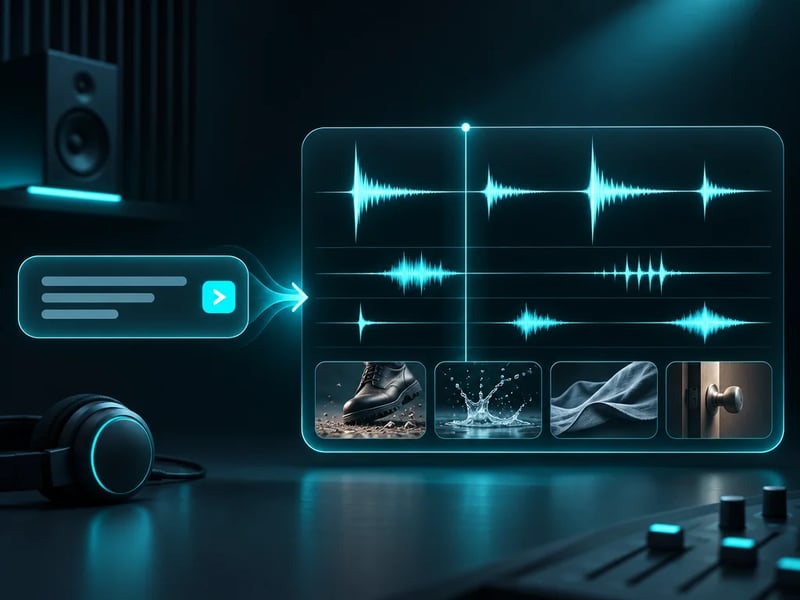
Dedicated Foley Synthesis Instead of Song Models
Music models try to write melodies and verses, which ruins short game cues. Our AI sound effect generator uses MMAudio V2 text-to-audio synthesis to produce isolated impacts, clicks, and ambient textures on demand.
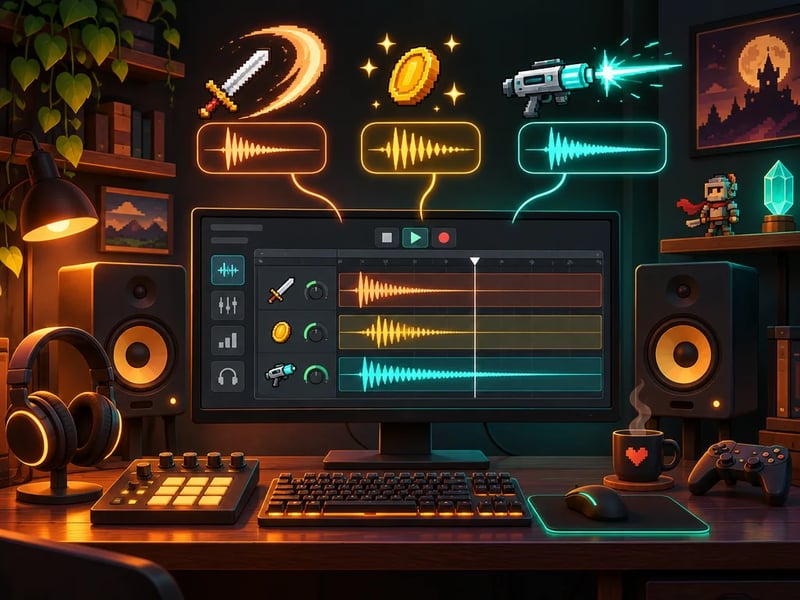
Game-Ready Presets for Combat, UI, and Movement
Jump straight into prototyping with one-click prompts tuned for indie games, Godot, Unity, and web canvases: crisp HUD confirmations, sword swings, sci-fi blasters, footsteps, and outdoor beds.
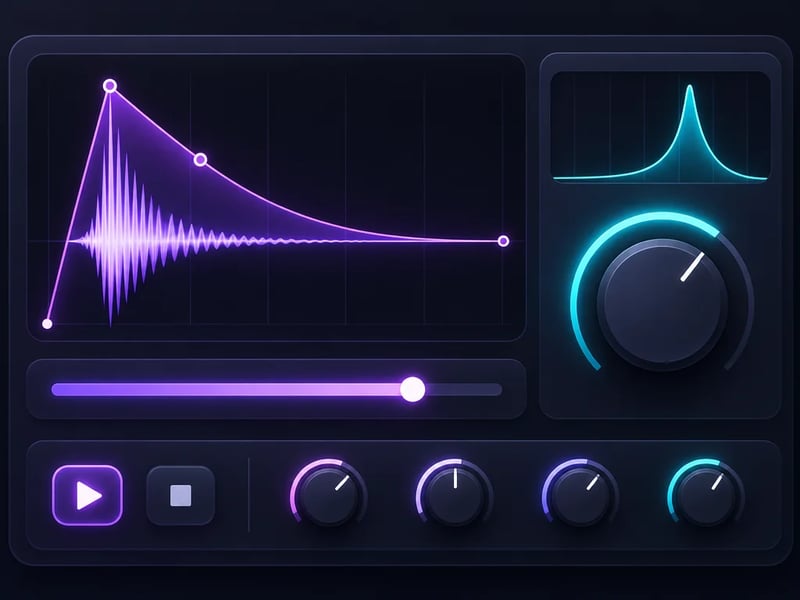
1 to 15 Second Duration and Negative Prompt Control
Lock a tight 1-2 second window for UI feedback or stretch up to 15 seconds for atmospheric backgrounds. Add a negative prompt to strip out accidental melody, voice chatter, or muddy distortion.
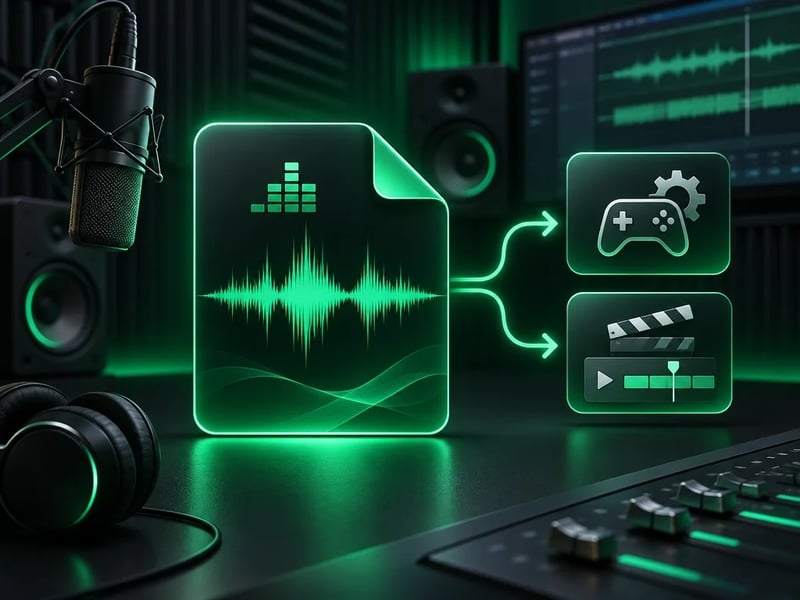
Lossless FLAC Output Saved to Your Library
Every clip renders as lossless FLAC audio so you can trim, pitch-shift, or compress it in your game engine or NLE without double-compression artifacts. Every finished take is archived in your account.
Prompt Library
Example Prompts You Can Copy and Tweak
Good sound prompts name the object, the motion, and the recording character. Try these patterns in the generator above.
“Crisp mechanical keyboard switch click followed by a soft glass chime, dry close-mic recording”
Best for Menu confirmations, inventory picks, and HUD alerts
“Heavy wooden treasure chest lid creaking open with a warm metallic latch snap”
Best for Loot drops, chest animations, and puzzle unlocks
“Fast whoosh transition sweeping from left to right with a subtle sub-bass thud”
Best for YouTube title cards, TikTok cuts, and slide transitions
“Crackling campfire burning dry oak logs at night with soft wind in distant trees”
Best for Rest scenes, cozy games, and background storytelling
“Hydraulic sci-fi airlock door hissing open with heavy steel lock clunk”
Best for Spaceship corridors, level gates, and mech hangars
“Rapid footsteps sprinting across loose gravel path, sharp outdoor Foley”
Best for Character locomotion, chase sequences, and short films
Use Cases
Who Uses TinyMusic AI SFX Generator
Practical sound design for solo creators and small teams shipping games, videos, and interactive apps.
Indie & AI Game Developers
Prototype and ship audio for Unity, Godot, Roblox, or browser games without waiting weeks for custom Foley packs. Generate matching variations for hits, pickups, and menu cues.
YouTube & Short-Form Editors
Create exact-length risers, whooshes, pops, and impact hits tailored to your cut instead of scrolling through thousands of overused stock clips.
Podcasters & Audio Storytellers
Layer believable room tone, rain on glass, door knocks, and scene transitions beneath narration to set a scene in minutes.
App & Web Interaction Designers
Craft subtle tactile chimes, toggle clicks, and notification sounds that match your product's material feel.
Why TinyMusic
Pay Per Clip, Keep Full Control, Ship with Confidence
Designed to slot cleanly into your existing TinyMusic credit balance with zero extra subscriptions.
Only 2 Credits Per Clip, No Separate SFX Subscription
Many audio tools lock sound effects behind an extra monthly plan. Here you spend 2 credits from your shared TinyMusic balance, and failed jobs refund automatically.
Clean Negative Prompting for Usable Takes
When an AI sound effect picks up unwanted background music or harsh clipping, add those terms to the negative prompt and regenerate cleanly.
Commercial Project Use Included
Every account includes commercial project use for the lossless FLAC clips you generate, ready for monetized videos, client work, and shipped games.
FAQ
Frequently Asked Questions
Clear answers on duration limits, file format, credits, and commercial game or video licensing.
More Audio Tools
Pair Your SFX with Game Music and Stems
Combine custom sound effects with retro chiptune tracks, full background music, or isolated stems.
8-Bit Music Generator
Compose retro chiptune boss themes, title loops, and NES-style game soundtracks.
Open toolAI Music Generator
Create full background tracks and vocal songs from a text prompt or custom lyrics.
Open toolAI Vocal Remover
Split any song into separate vocal and instrumental stems for clean audio mixing.
Open toolRoyalty-Free AI Music
Generate cleared background music ready for YouTube, games, and commercial projects.
Open toolStart Creating
Generate Your Next Game or Video Sound Effect
Type a prompt, pick a duration from 1 to 15 seconds, and download lossless FLAC audio in seconds.