
Text to Song Generator — Turn Your Words Into a Song
Paste a poem, a letter, a text message or just a rough idea. TinyMusic shapes it into verses and a chorus, sings it with an AI voice and gives you a finished song you can preview and download.
Try an example text
Listen first
Hear what TinyMusic makes
Every song below was generated from the single prompt printed under it: no editing, no post-production. Press play, then write your own prompt.
Where the Road Bends
2:51Prompt
“An upbeat indie pop song about a summer road trip with friends, bright acoustic guitars, handclaps, a catchy singalong chorus, warm female vocals”
把想念收进行李
3:41Prompt
“一首温柔的中文民谣,讲述雨夜里思念远方的家,木吉他搭配轻柔的钢琴,男声,安静治愈”
How it works
How to Turn Text Into a Song in Three Steps
Everything runs in the browser. Type or paste up to 5,000 characters, name a style, and listen.
Paste your text or describe your idea
Drop a poem, letter, text message or short story into the box, or write one sentence about what the song should say. Add a style in plain words, such as acoustic ballad, lo-fi or rap.
Sign in and generate the song
Generating needs a free account, and new accounts get credits with no credit card. TinyMusic arranges your words into verses and a chorus, writes any missing lines, then sings the result.
Listen, adjust and download the MP3
The song opens in your project, where you can play it and ask for another style or a change. Download the track as an MP3 when it sounds right.
What it does with your text
What Happens When You Turn Words Into a Song
Four things people actually search for when they want to hear their own writing sung, and how each one works here.
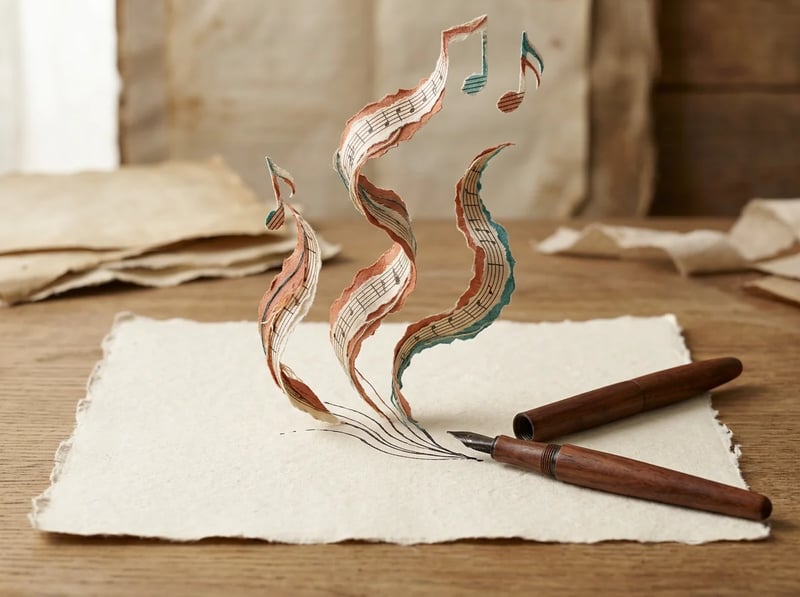
Turn words into a song without writing lyrics first
Prose does not scan like lyrics, so TinyMusic reorganizes what you paste into verses and a chorus that keep its meaning and key phrases. A poem, a letter or a paragraph of notes goes in as it is, and a sung track comes out, not a narrated page over drums.
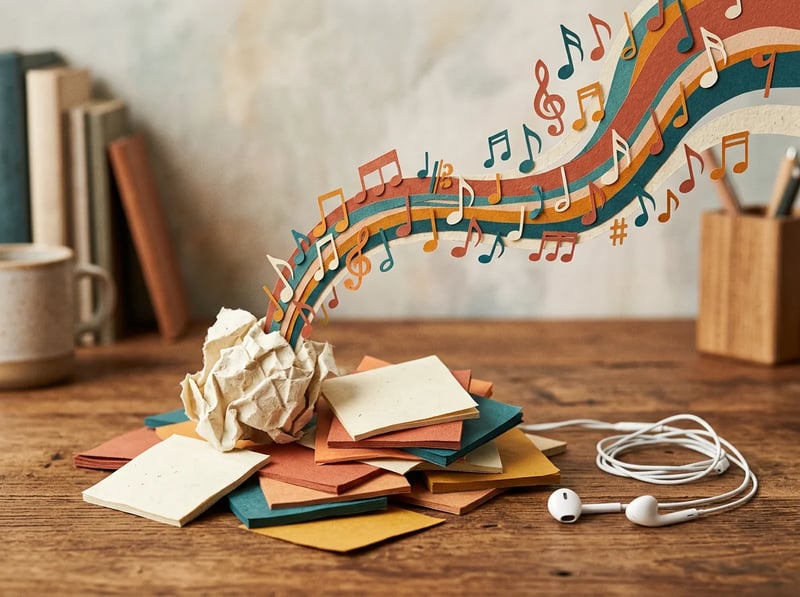
Turn text messages and short notes into a song
A thank-you text, a group-chat joke, a note you never sent: paste the words and the song is built around them. Short inputs work because the generator fills in the missing verses itself. Keep the one line you care about most so it can become the hook.
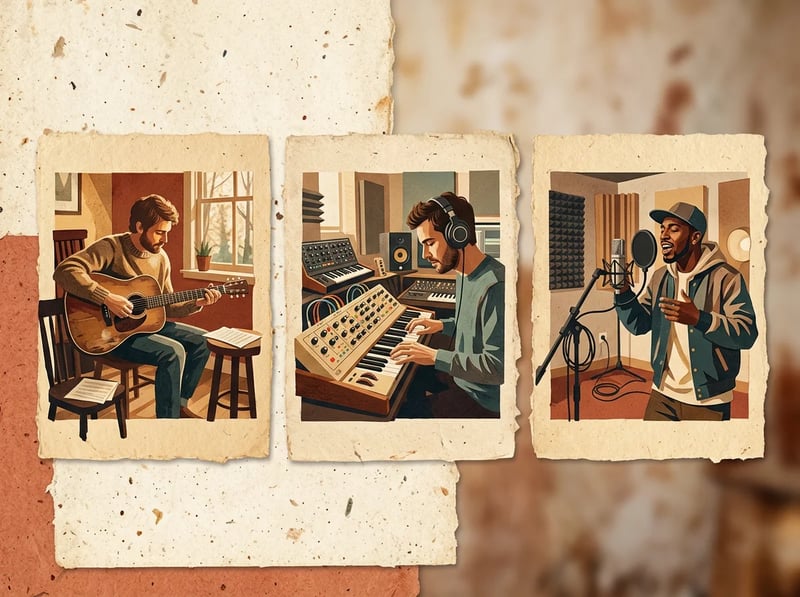
Hear the same text in different styles
Add a genre and mood in plain words and the same paragraph becomes a folk ballad, a rap verse or a synth-pop chorus. Generate two or three versions of identical text, compare them in your project, and keep the one that sounds like what you felt.
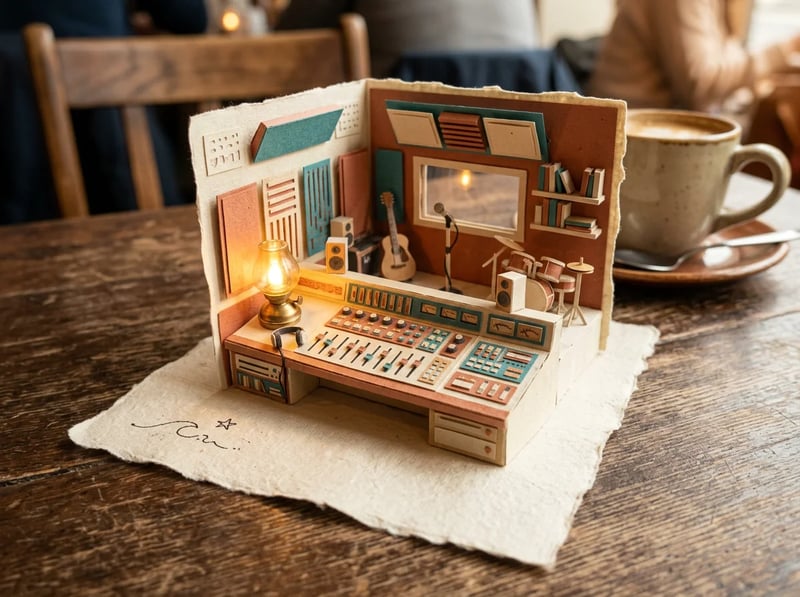
Start from just an idea when there is no text yet
You do not need finished words. Describe what the song is about and TinyMusic writes the lyrics for you before it generates the track. If you want your exact lyrics sung unchanged instead, the lyrics to song generator is the better fit, and it is linked below.
Examples
Real Text Inputs to Start From
Copy one, swap in your own words and generate. Each one shows a different kind of source text.
“A short poem about the last day of summer at the lake — quiet, nostalgic, acoustic folk with soft guitar and close vocals”
Good for Poems and personal writing
“Turn my notes on the water cycle — evaporation, condensation, precipitation, collection — into a catchy rap for a school project”
Good for Study notes and memorization
“My text to my sister: "thanks for driving six hours to help me move, I could not have done it without you" — warm piano ballad, gentle female vocals”
Good for Messages and dedications
“My short story about a robot learning to paint — playful indie pop with a big final chorus, bright synths, male vocals”
Good for Stories and creative writing
Who it is for
Who Turns Their Words Into Songs
Any moment when hearing the words sung would land harder than reading them.
Students and teachers
Set study notes, dates or vocabulary lists to rhythm and rhyme. Short factual lines work best as rap or upbeat pop, where the beat does the memorizing.
Gift givers
Turn a birthday message, an anniversary letter or a thank-you note into a song for the person it was written for. Songs are private to your account until you choose to share them.
Poets and writers
Hear a poem or short story with melody and voice. A sung version exposes rhythm problems and emotional beats that silent reading hides.
Creators and small businesses
Paste a tagline or a product story and generate a theme song or jingle for a reel, an ad or a launch video. Commercial use is included on every account.
Why TinyMusic
Why Use TinyMusic to Turn Text Into a Song
Most tools want either a one-line prompt or finished lyrics. This one takes what you actually have.
Text goes all the way to a sung track
Chat tools give you lyric text that you still have to produce elsewhere, and text-to-speech reads your words aloud without a melody. TinyMusic turns the text into lyrics, melody, voice and arrangement in one project, so you can go from words to a listenable draft in a few minutes.
It accepts the messy middle
Essays, letters, chat messages and half-finished drafts are not lyrics yet. TinyMusic restructures them and fills the gaps instead of asking you to become a lyricist first, so the effort you spend is on the words you care about.
Free to try, free to publish
New accounts get free credits at sign-up and no credit card is required. Every account downloads MP3 or WAV for free and can use the song commercially, with the same licence free or paid. Pure AI-generated audio may not be copyrightable in some places, so check the rules where you publish.
FAQ
Text to Song: Common Questions
Straight answers about inputs, output, ownership and limits.
More tools
Take the Song Further
Keep your exact lyrics, start from a description, or write the lyrics first.
Lyrics to Song Generator
Already have finished lyrics with verses and a chorus? Have them sung exactly as written.
ExploreAI Music Generator
Start from a description instead of text and generate instrumentals, background tracks or full songs.
ExploreAI Lyrics Generator
Write structured lyrics from a theme first, then bring them back to hear them sung.
ExploreStart now
Hear Your Words as a Song
Paste your text, add a style and generate your first song. New accounts get free credits and no credit card is needed.